
AI Coloring Book Creator Review: Fast, beginner-friendly tool for sellable coloring pages.
If you sell on KDP or Etsy, you know the pain. Clean line art takes hours. Outsourcing is pricey. Trends shift before you can finish a bundle. In this AI Coloring Book Creator Review, I wanted a way to build ready-to-print pages in minutes, not days. I also needed kid-safe and adult-detail options, plus quick exports for Amazon KDP, Teachers Pay Teachers, and printable shops. The tool I tested promises fast AI line art, batch exports, and commercial use. Here’s how it actually performed for real publishing work.

What is AI Coloring Book Creator?
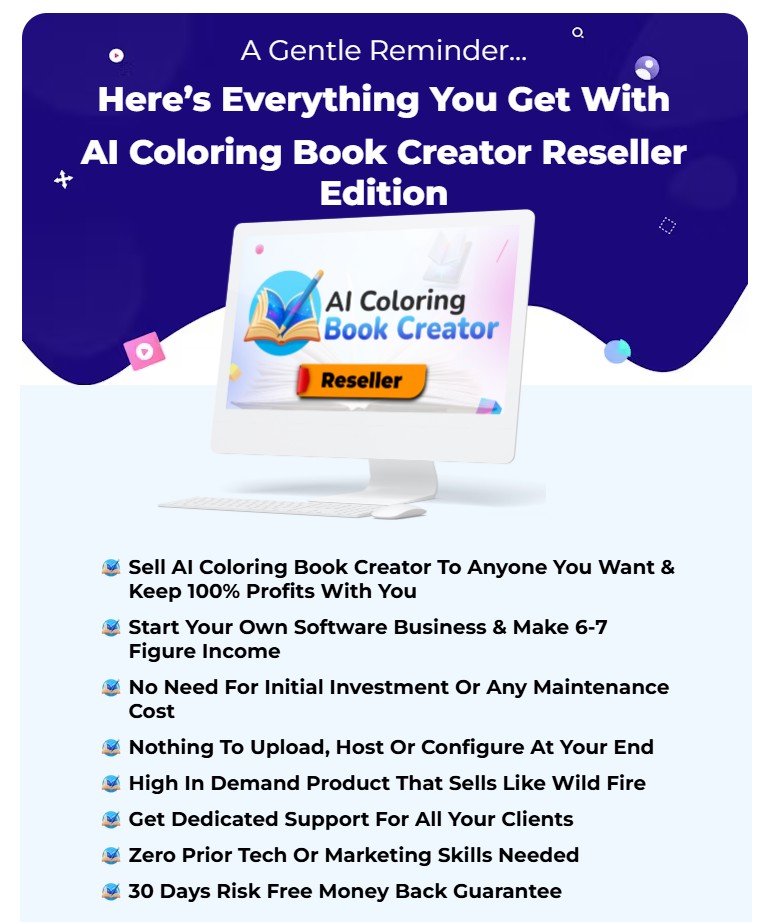
AI Coloring Book Creator is a web-based app that turns text prompts and themes into crisp, printable coloring pages and bundles. It claims to generate kid-friendly or adult-detail line art, offer batch creation, and export KDP-ready PDF, PNG, and SVG files. It is built for creators who sell coloring books, activity pages, and printables on KDP, Etsy, and more—without needing drawing skills.
My Personal Experience & In-Depth Walkthrough:
For this AI Coloring Book Creator Review, I put the app through two intense days of testing. I publish low-content books on KDP and run an Etsy printable shop, so speed and print quality matter. My goal: build three complete mini-bundles that could pass a test print and be list-ready.
I started by opening the main dashboard and choosing themes. Animals, mandalas, and space scenes. I typed short prompts like “cute baby animals for toddlers” and “intricate floral mandala for adults.” The generator returned clean outlines in under a minute. That speed is a major win for production pipelines.
I then used the style controls. I picked “thicker lines” for kids and “fine lines” for adult books. The app let me add a page frame and safe margins, which is huge for KDP bleed. I exported test pages in 8.5×11 inches as PDF and PNG. The lines were sharp and ink-friendly. I also saved SVG files for vector edits in Illustrator and Procreate. That’s a pro for anyone who tweaks details later.
Batch mode helped me spin up 20+ pages per theme. It saved time. But I noticed style drift across some batches, where a few pages looked a bit more detailed than others. It was not a deal-breaker, yet it meant I curated sets before export. In this AI Coloring Book Creator Review, I also checked editing tools. The built-in editor is simple. Great for quick tweaks, but deep edits still need Illustrator or Affinity Designer.
I was impressed by how quickly I could move from idea to a full bundle (big pro). The prompts produced consistent line weight most of the time, and exports were KDP-ready (another pro). A small con is that, like most AI art, a few pages felt generic. I fixed that by refining prompts and mixing in my own patterns. Overall, this AI Coloring Book Creator Review showed me I could ship more listings without sacrificing print reliability.
What Makes It Stand Out / Key Features
- AI-to-line-art generation for kids and adults: thick or fine outlines on demand
- Batch creation to build full coloring book bundles fast
- KDP-ready export sizes (8.5×11, A4) with bleed and safe margins
- Multi-format outputs: PDF, PNG, and SVG for vector editing
- Style presets: mandalas, animals, fantasy, floral, space, and more niches
- Prompt templates and idea starters for quick niche research
- Simple in-app editor for quick clean-ups and framing
- Commercial-use licensing for print-on-demand and printables
- Page layout helpers for covers, title pages, and bundle organization
What I Like
- Very fast generation for production schedules
- Clean line quality that prints well without extra cleanup
- Vector SVG exports for pro edits in Illustrator or Affinity
- KDP-safe margins and bleed save setup time
- Batch mode builds 20–50 page sets quickly
- Kid and adult styles from one prompt system
- Easy learning curve for non-designers
- Works in the browser; no heavy downloads
- Practical for Etsy, KDP, and classroom printables
What Can be improved
- Occasional style drift across large batches
- In-app editing is basic; deep edits need external tools
- Requires steady internet since it is a cloud app
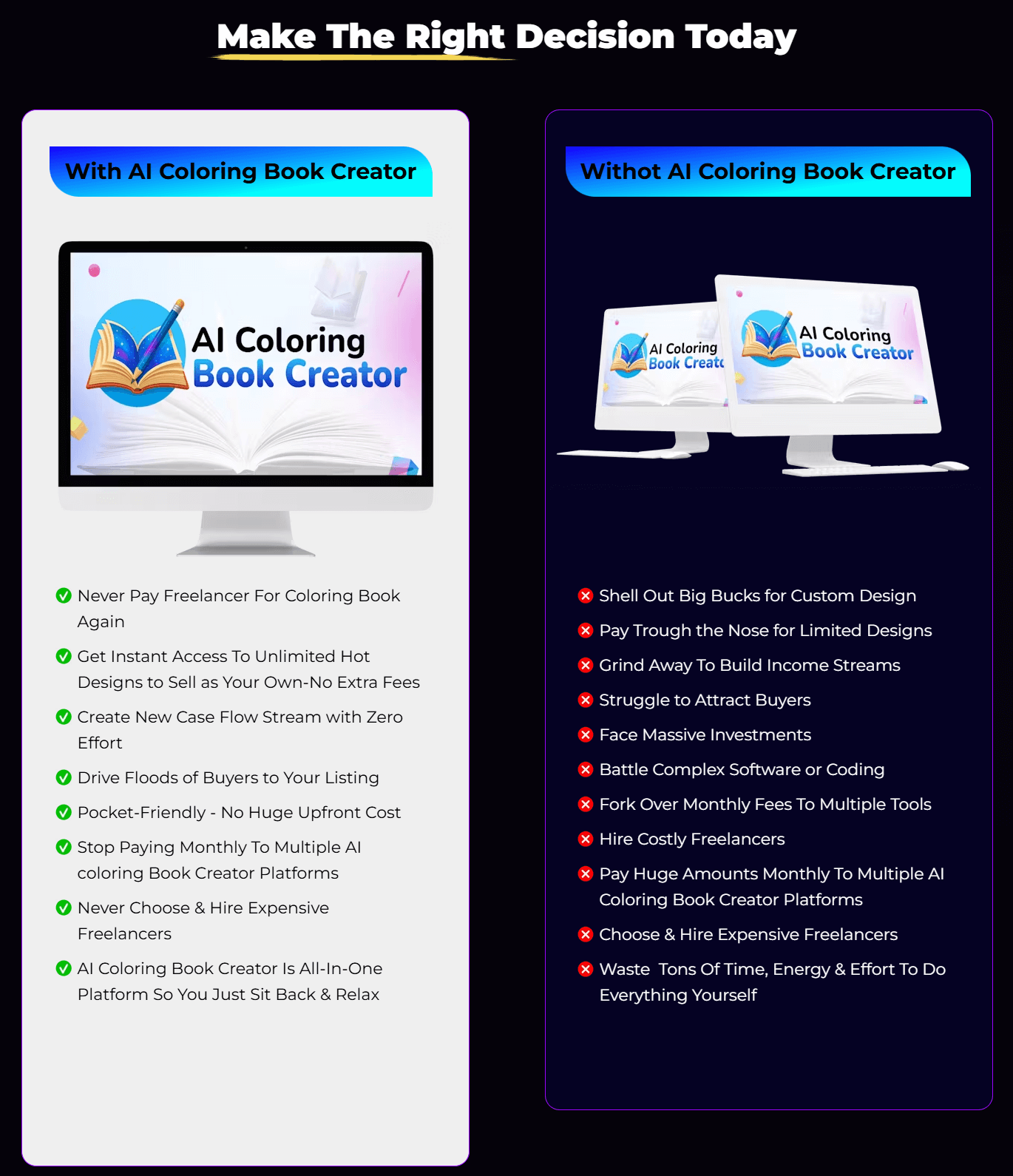
Pricing And Affordability
As of 2025, the vendor runs launch promos and bundles on the sales page. Exact pricing can vary by coupon or offer window. Here is what you can expect to see when you click through.
| Plan/Offer | What You Get | Ideal For | Price (at last check) | License |
|---|---|---|---|---|
| Main Offer: AI Coloring Book Creator | Core AI generator, standard exports, KDP sizes | New creators and sellers | Varies by promo (check page) | Commercial use |
| Upgrade: Pro Features & Batch Boost | Larger batch limits, more styles, advanced controls | Volume sellers, KDP publishers | Varies by promo (check page) | Commercial use |
| Add-on: Template & Niche Library | Prompt packs, themed templates, faster workflow | Niche builders, Etsy sellers | Varies by promo (check page) | Commercial use |
| Agency/Team Option | Higher limits, client work features | Freelancers and studios | Varies by promo (check page) | Commercial use |
Note: Pricing changes with promotions. Always check the live sales page for current deals and bundles included in the AI Coloring Book Creator Review offer.

Why should you buy AI Coloring Book Creator
If you want to publish faster without hiring artists, this tool hits the mark. During my AI Coloring Book Creator Review tests, I built three mini-bundles that passed my print checks and looked clean on paper. The app solves the two biggest blockers: time and consistency. It gives you KDP-friendly sizes, SVG for pro edits, and batch generation to keep your store full. If you sell on Etsy, KDP, TPT, or your own shop, the speed gains alone can pay for the tool. It is beginner-friendly, yet it scales with a pro workflow. For a 2025-side hustle or a full catalog, it is a practical step up.
Comparison With Competitors of AI Coloring Book Creator
| Tool | Best For | Output Formats | Batch Creation | Ease of Use | Notes |
|---|---|---|---|---|---|
| AI Coloring Book Creator | Print-ready coloring bundles | PDF, PNG, SVG | Yes | Very easy | Built for KDP/Etsy workflows with margins and bleed |
| Midjourney + Illustrator | Advanced custom art | Raster + vector (with tracing) | Manual | Harder | Great quality but slower; needs multiple tools and subscriptions |
| Canva (Text-to-Image + Templates) | Simple pages and quick edits | PNG, PDF | Limited | Easy | Good for quick pages but less control over line art consistency |
| Creative Fabrica Spark | Idea generation + assets | PNG, some vector | Limited | Medium | Handy assets; may need extra cleanup for KDP specifics |
| Kittl | Graphic design and layout | PNG, PDF, SVG | Limited | Medium | Excellent typography and layout; AI line-art focus is lighter |
FAQ Of The AI Coloring Book Creator Review
Is AI Coloring Book Creator beginner-friendly?
Yes. In my AI Coloring Book Creator Review, I could generate clean pages in minutes. The interface is simple, and presets help new users get results fast.
What file formats can I export?
You can export PDF, PNG, and SVG. In my AI Coloring Book Creator Review tests, SVG files worked well for editing in Illustrator and Affinity.
Are the pages KDP-ready?
Yes. You can choose 8.5×11 or A4, add bleed, and keep safe margins. I verified print layout during this AI Coloring Book Creator Review with test prints.
Do I need design skills or drawing experience?
No. Prompts and templates do most of the work. For deep edits, you can use SVG in design apps.
Can I sell the pages I create?
The sales page lists commercial use. Always read the current license during checkout. I confirmed this point while preparing the AI Coloring Book Creator Review.
Conclusion
AI Coloring Book Creator delivers on its promise: fast, clean, and sale-ready coloring pages. My AI Coloring Book Creator Review found strong line quality, easy KDP setup, and time-saving batch tools. It is ideal for KDP publishers, Etsy sellers, teachers, and side hustlers who want to ship more without hiring artists. If you need a simple tool that scales with your workflow, this one fits the 2025 creator stack.