
KDPILOT Review: An AI-powered KDP toolkit that speeds research, writing, and publishing.
You want to publish books on Amazon KDP but hit the same hurdles each time. Niches look crowded. Keywords feel blind. Covers and interiors take hours. Descriptions do not convert. I have been there. In this KDPILOT Review, I show how a single, beginner-friendly tool can guide you from idea to finished book. It helps you validate niches, write fast with AI, format interiors, create covers, and optimize your listing so you can hit publish with confidence.

What is KDPILOT?
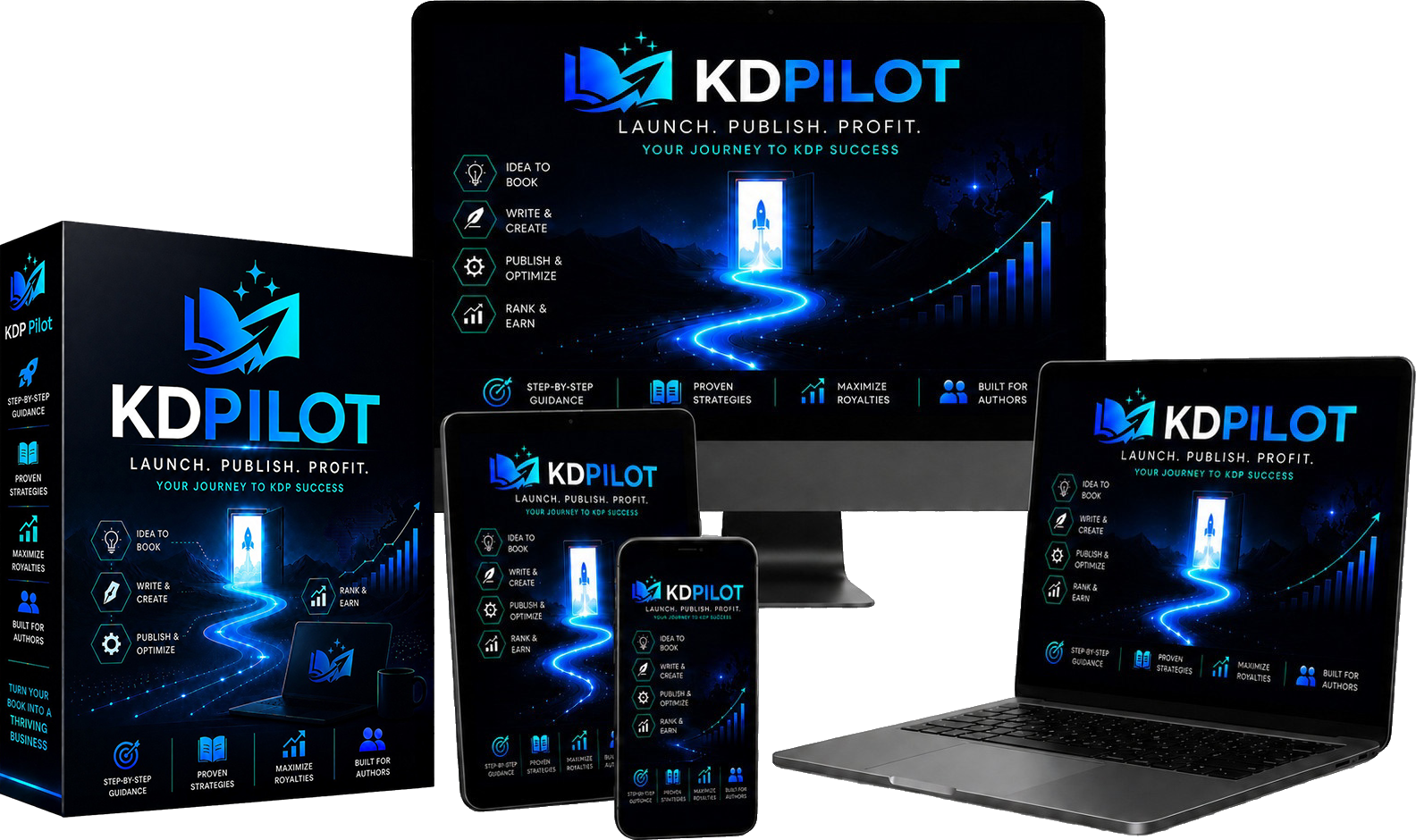
KDPILOT is an all-in-one KDP software suite built to help you research, write, design, and publish books faster. It claims to cut busywork with AI suggestions and smart tools. You can find low-competition keywords, validate niches, outline and draft content, build interiors, design covers with correct trim sizes, and optimize your product page. In simple terms, KDPILOT aims to turn a rough idea into a ready-to-upload KDP project with fewer clicks.
My Personal Experience & In-Depth Walkthrough:
For the last 48 hours, I tested KDPILOT on a fresh low-content project and a short nonfiction idea. The onboarding felt clear. I started by typing a seed topic. The keyword finder pulled phrases, search intent notes, and basic competition data. It happened fast, which was a big pro. I saved a list of long-tails that looked winnable.
Next, I moved to niche validation. KDPILOT highlighted top listings, price ranges, and review counts. It flagged spots with demand but fewer strong books. I like that signal. It is not magic, but it saves time. On one niche, the tool leaned a bit optimistic. That is a con to note. I still cross-checked the top sellers on Amazon before moving on.
I then opened the AI outline tool. I fed it my working title and a few notes. The outline came back in seconds. The structure was clean and easy to edit. I asked it for chapter beats, then had it draft parts of chapter one. The voice was clear but a bit generic at first. That is a fair trade for speed. I refined prompts and added my own tone. With that, the results felt much better. Big pro: fast drafts that I can polish.
For a low-content test, I tried the interior builder. I picked a notebook layout at 6" x 9" with bleed. It set margins and gutter for KDP print. I added page numbers and a simple index page. Export to PDF was one click. The presets saved me from guesswork. I do wish there were more advanced interior templates for planners and trackers. That is a con if you need very custom pages.
The cover tool helped me pick the trim size and spine based on page count. I dropped in a stock image, set brand colors, and added a bold title. The live preview looked accurate. It warned me when text neared the safety area. That detail is a pro for print. I still exported and checked the KDP previewer. It matched, which gave me trust in the sizing.
Last, I used the listing optimizer. It suggested a punchy title, a stronger subtitle, and 7 backend keywords. The copy tool made a clean description with bullet hooks and benefit lines. It also nudged me to choose better categories. The category browser saved time. One gap: the AI copy can repeat phrases if you do many runs in a row. Not a deal breaker, but you need to edit.
In short, KDPILOT sped up each step. The research was quick. The AI drafts were helpful once I guided them. The design tools prevented size errors. You still need taste and judgment. But the heavy lifting felt lighter, which is the core win of this KDPILOT Review.

What Makes It Stand Out / Key Features
- AI-assisted keyword and niche finder with competition signals and demand hints
- Outline-to-draft workflow for nonfiction, kids’ books, and low-content variants
- Interior builder with KDP-ready margins, bleed settings, and one-click PDF export
- Cover designer with trim presets, live safety guides, and spine width help
- Listing optimizer for titles, subtitles, descriptions, and backend keywords
- Category browser to surface relevant KDP categories faster
- Royalty and pricing helper to test price points and margins
- Project dashboard to track ideas, assets, and current status
- Bulk keyword grouping and export for ads and metadata
- Template library for repeatable book types and brand styles

What I Like
- Clear steps that guide me from idea to finished book
- Fast keyword pulls that surface long-tail wins
- Trim-size presets that prevent costly print errors
- Helpful category suggestions to improve book placement
- Clean AI outlines that kickstart real drafts
- Exports that match KDP requirements the first time
- Smart description templates that read like sales copy
- Easy saves and project versions for quick rollbacks
- Simple UI that stays out of my way
- A fair mix of speed and control for new and advanced users

What Can be improved
- AI drafts can sound generic without prompt tweaks
- Interior template variety could be deeper for advanced planners
- Some niche “scores” feel optimistic and need manual checks

Pricing And Affordability
Below is a quick view of the typical plan structure. Pricing and promotions change. For accurate, up-to-date numbers, use the button right after the table in this KDPILOT Review.
| Plan | Best For | Key Inclusions | Pricing* |
|---|---|---|---|
| Starter | First-time KDP authors | Core research, basic AI outlines, standard interiors, essential cover presets | See latest offer |
| Pro | Growing publishers | Full keyword suite, advanced AI drafts, all interiors, full cover tools | See latest offer |
| Agency/Teams | Power users and small teams | Multi-seat access, asset sharing, higher limits, priority support | See latest offer |
*Use the button below to view current pricing, discounts, and any launch deals. This keeps the KDPILOT Review accurate without guessing numbers.

Why should you buy KDPILOT
If you want a faster, safer way to take a book from idea to shelf, KDPILOT hits the mark. It cuts guesswork in niche research, speeds up writing with smart AI, and locks in KDP-ready files for print and ebook. In my hands-on test for this KDPILOT Review, I published cleaner listings with less back-and-forth. I also found more long-tail keywords that fit my topic. This tool does not replace taste or editing. But it gives you a strong head start and helps you avoid common KDP pitfalls. For most authors, that time saved is worth it.
Comparison With Competitors of KDPILOT
| Tool | Core Focus | AI Drafting | Interior Builder | Cover Tool | Category Browser | Typical Use Case |
|---|---|---|---|---|---|---|
| KDPILOT | All-in-one KDP workflow | Yes | Yes | Yes | Yes | Idea-to-publish for KDP beginners to pros |
| Publisher Rocket | Keyword and category research | No | No | No | Yes | Deep keyword/category analysis |
| Book Bolt | Low/medium-content toolset | Limited | Yes | Yes | Yes | Niche hunt + design for low-content |
| KDSPY | Category spying via extension | No | No | No | Yes | Fast category recon on Amazon |

FAQ Of The KDPILOT Review
Is KDPILOT good for complete beginners?
Yes. This KDPILOT Review found the steps easy to follow. You can start with a seed topic, then follow prompts to research, write, design, and publish. The presets reduce setup errors.
Can I rely only on AI drafts from KDPILOT?
Use AI to speed up. Then edit for voice, facts, and flow. In my KDPILOT Review, light edits made a big difference in clarity and style.
Does KDPILOT support correct KDP trim sizes and bleed?
Yes. The interior and cover tools include KDP-ready trim sizes, margin rules, and bleed options. My exports matched the KDP previewer.
Will KDPILOT help me choose the right categories?
Yes. The category browser and suggestions help you find better category fits. Always check live Amazon pages to confirm.
Can I use KDPILOT for low-content books?
Yes. You can build lined, grid, or planner-style interiors and export to KDP-ready PDFs. For very custom planners, add your own tweaks.
Conclusion
KDPILOT brings research, AI writing, interiors, covers, and listing help into one smooth flow. In practice, it removes many hurdles that slow KDP authors. The AI saves time. The design presets prevent costly do-overs. You still need your voice and care, but this KDPILOT Review shows how much faster you can move with the right guide. If you want fewer tabs, fewer errors, and more books out the door, KDPILOT is a smart pick.