
ComicAgent AI Review: Fast, consistent comic creation for non-artists and pros alike.
You have a script in your head but no time to draw. Your client wants a storyboard by tomorrow morning. Your social feed needs a punchy, four-panel comic today. That is the daily grind for creators, marketers, teachers, and small studios. In this ComicAgent AI Review, I share how an AI-first comic tool can turn plain text into clear, styled panels with speech bubbles, consistent characters, and export-ready pages—without weeks of drawing or layout work.
 display: block; margin: 0 auto;”
loading=”lazy”
/>
What is ComicAgent AI?
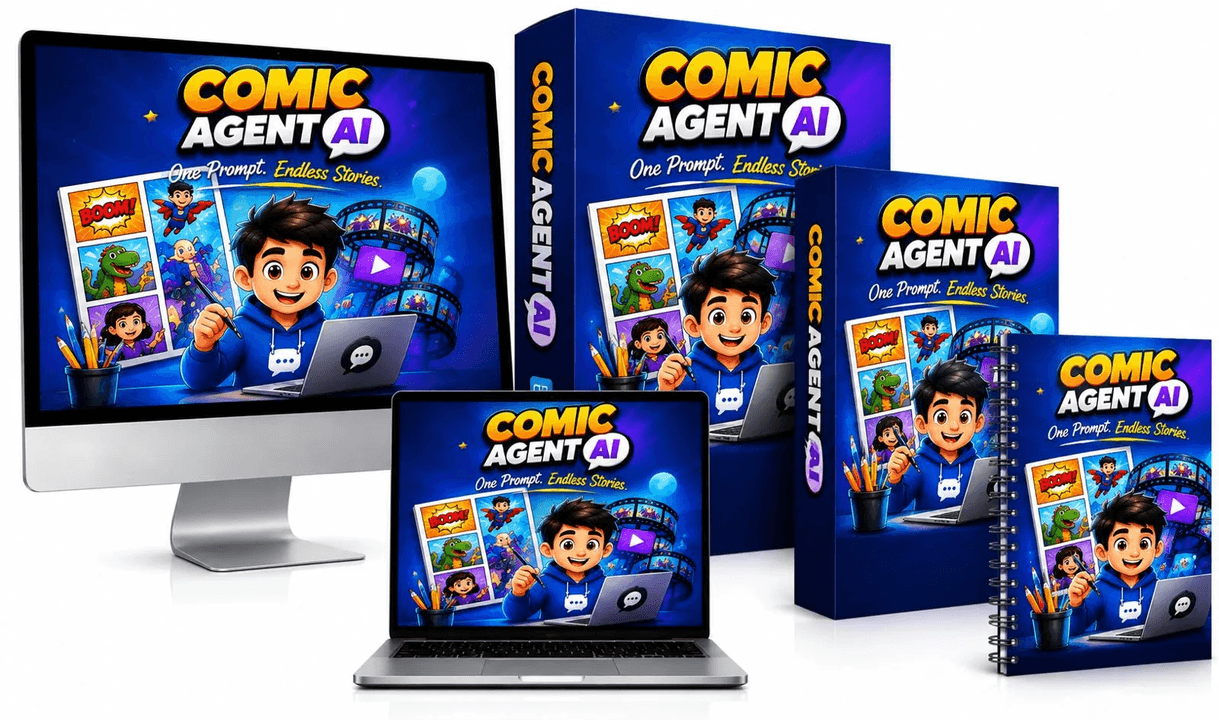
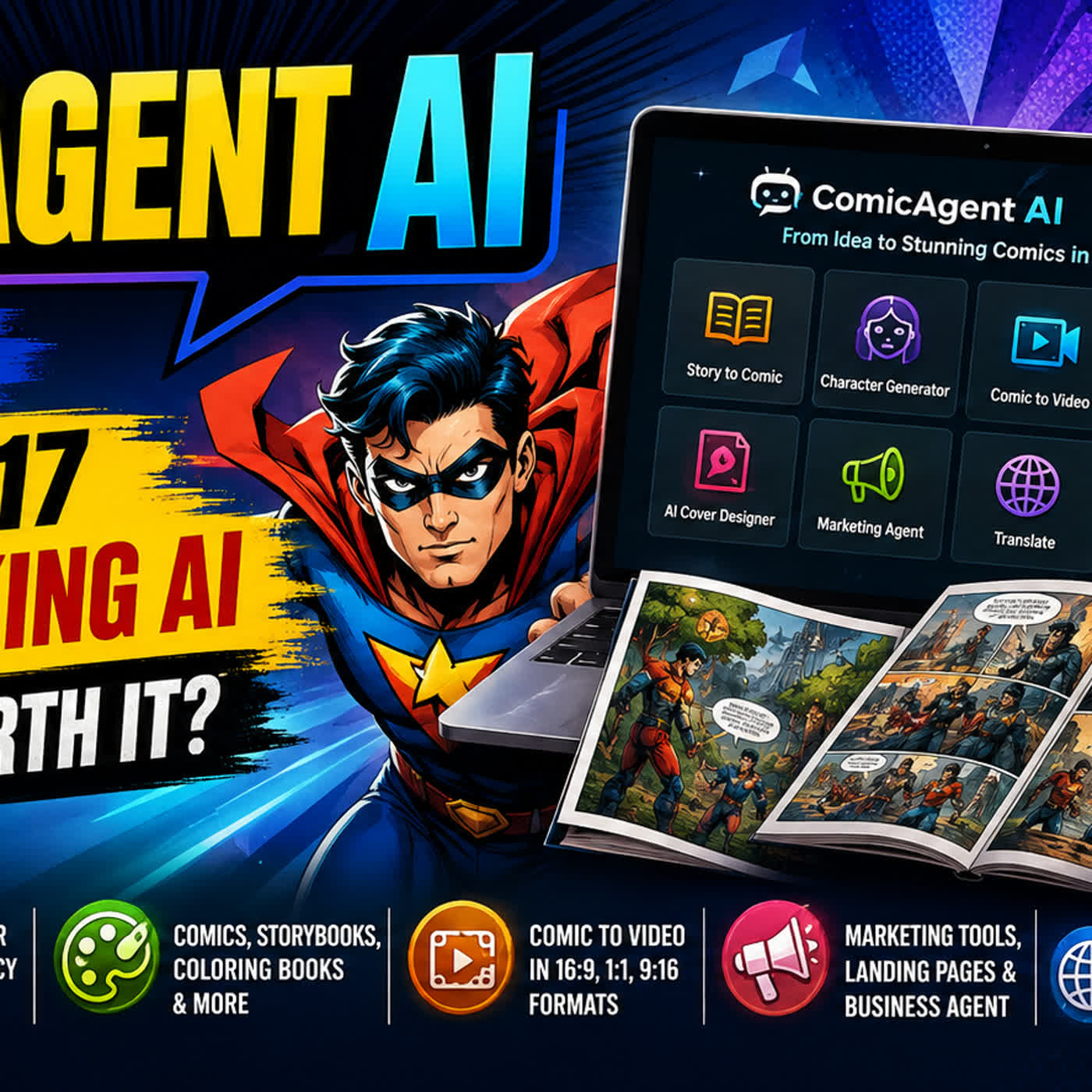
ComicAgent AI is an AI-powered comic and storyboard creator. It turns prompts or scripts into comic panels with layout, characters, backgrounds, and speech bubbles. It aims to cut the time from idea to finished page from days to minutes. In short, it helps you create comics, manga, and storyboards without deep art skills.
My Personal Experience & In-Depth Walkthrough:
For the last 48 hours, I put ComicAgent AI through a real job. I wrote a short, four-scene story about a time-traveling chef. I wanted a bright, Saturday-morning style. I also wanted clean lettering, good panel flow, and the same hero in each frame.
First, I created a new project and picked a page template. The onboarding was clear and fast. I pasted my script. The tool broke it into scenes and panels. That saved me 20–30 minutes at once, which is a big pro. I also set a “style lock” with a few words and a sample color mood. That helped the look stay even across pages.
Next, I defined the main character. I set simple traits, like “30s, curly hair, teal jacket, copper pan.” I clicked generate. In under a minute, I saw a full draft with bubbles placed and readable text. The speed felt great. The character looked right in most panels (big pro). When it missed a prop, I used the refine option to fix that panel. That took a few tries, which is normal for AI art today.
I then tuned the speech bubbles. The auto letterer did a decent job. It kept lines short and readable. I nudged a few bubbles away from faces. The drag handles felt smooth. The text rewrite tool helped punch up a dull line. Here, I saw a small con: the humor pass can feel a bit generic if you accept the first idea.
On a complex kitchen scene, hands and utensils needed touch-ups. I used the in-frame edit to clean them. The detail upscaler kept edges crisp for print at A4. Noise stayed low. That is a win for print-on-demand.
The final step was export. I saved as PNG for social and PDF for print. The export kept panel order and margins. I would like richer export options for bleed and crop marks. That is a minor con, but you should note it if you print comics.
Overall, the workflow felt smooth and fast. The biggest pro is the balance of speed and control. I stayed in flow. The main con is that very niche art details sometimes need a few re-rolls. For this ComicAgent AI Review, I can say the tool is strong for solo creators, teachers, indie authors, and busy agencies.

What Makes It Stand Out / Key Features
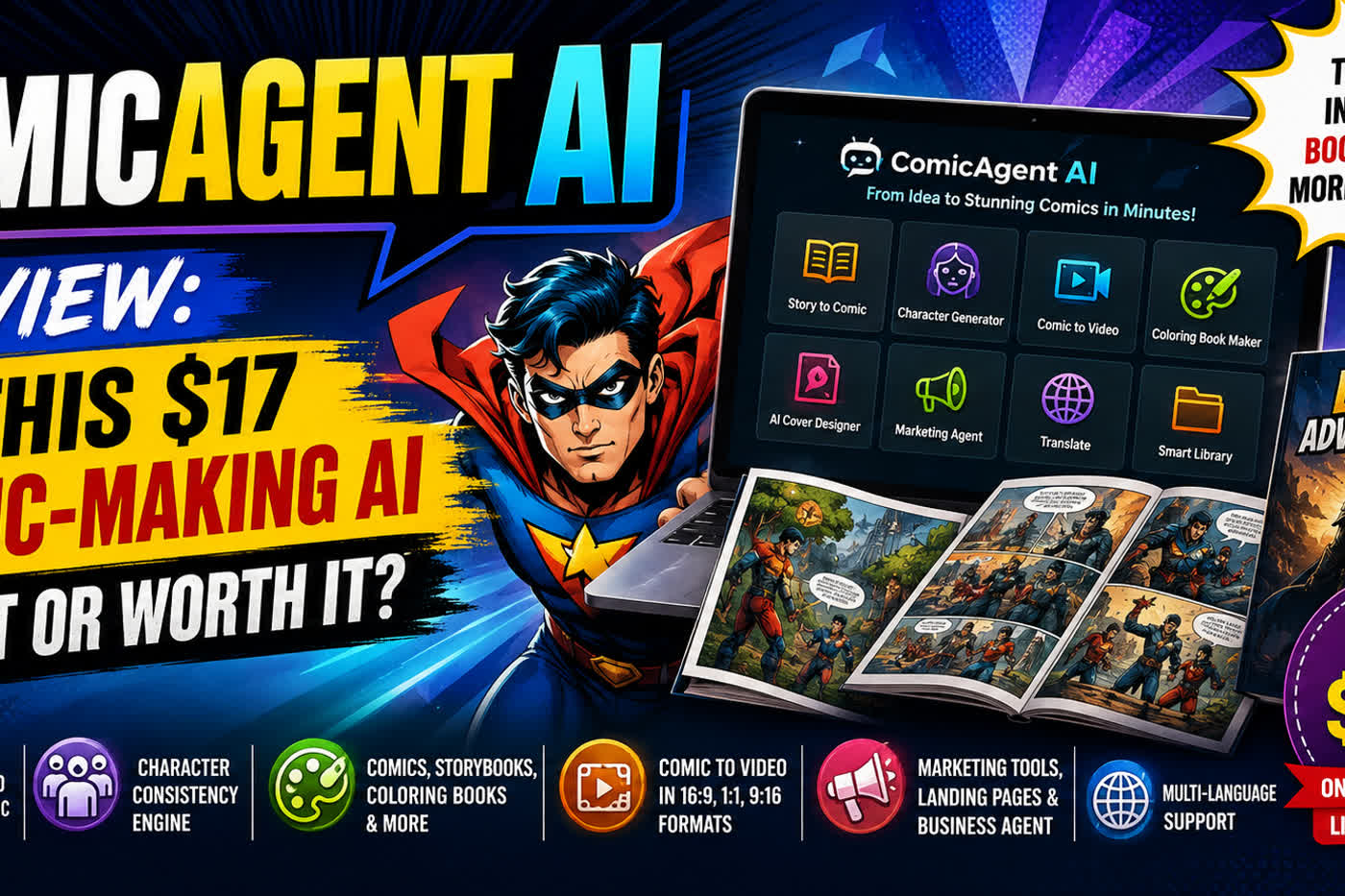
- Script-to-comic pipeline: paste text, get panelized pages with bubbles
- Character consistency tools across panels and pages
- Style lock to keep art direction stable (manga, toon, noir, etc.)
- Smart panel layouts with auto gutter and margin control
- AI lettering with bubble placement and tail direction
- Panel-level refine, re-roll, and content-aware edits
- One-click export to PNG, JPG, and multi-page PDF
- Caption and SFX helpers with preset styles
- Brand kit: fonts, colors, and logo on page footers
- Template library for storyboards, strips, and full-page comics
What I Like
- Fast from idea to first draft; saves hours on each page
- Clean, readable bubbles out of the box; less manual layout work
- Strong character consistency with simple trait prompts
- Flexible styles; easy to switch from manga to cartoon looks
- Solid exports for social and print; quality stays sharp
- Helpful refine tools; I can fix a panel without breaking the page
- Good onboarding; I felt ready in minutes
- Great for educators and marketers who need quick visuals
- Clear workflow that keeps me in creative flow
- Good value for the time it saves on each project

What Can be improved
- Some niche details (hands, props) still need a few re-rolls
- I want deeper print controls (bleed, crop marks, CMYK previews)
- Humor rewrite can feel generic if you accept the first pass

Pricing And Affordability
Below is a quick view of how ComicAgent AI pricing is structured. Launch promos and credit tiers can change. Check the live page for current plans and any limited-time deals.
| Plan | Best For | Credits/Pages | Key Inclusions | Price |
|---|---|---|---|---|
| Starter | New creators and students | Entry credit tier | Script-to-comic, templates, standard export | See live page |
| Creator | Solo pros and authors | Medium credit tier | Style lock, character tools, higher resolution | See live page |
| Studio | Small teams and agencies | High credit tier | Team seats, brand kit, priority generation | See live page |
| Agency | High-volume publishers | Custom/highest | Collaboration, advanced controls, support SLA | See live page |
Tip: If you work weekly, Creator is a sweet spot. If you run client storyboards, Studio tends to pay for itself in days.
Why should you buy ComicAgent AI
If speed and consistency matter, ComicAgent AI is a smart buy. It cuts the slow parts of comic work: panel layout, bubble placement, and character repeats. In my ComicAgent AI Review, the tool saved me hours while keeping a stable look across pages. It is great for solo creators, teachers, and agencies that need storyboards now, not next week. You get a script-to-comic flow, smart edits, and clean exports. You also gain a repeatable process, so every new page takes less time. If you make comics, manga, strips, or client decks on a deadline, this is worth it.

Comparison With Competitors of ComicAgent AI
| Feature | ComicAgent AI | Midjourney + Canva | Pixton | Clip Studio Paint | Stable Diffusion (WebUI) |
|---|---|---|---|---|---|
| Script-to-comic pipeline | Yes | No (manual steps) | Partial (templates) | No (manual) | No (manual) |
| Auto panel layout | Yes | No | Yes (template-based) | Manual | Manual |
| AI speech bubbles | Yes | No | Yes | Manual | Manual |
| Character consistency tools | Yes | Limited | Template-based | Manual | Requires extra add-ons |
| One-click multi-page export | Yes | No | Yes | Yes | Manual assembly |
| Team collaboration | Studio+ tiers | No | Yes (education focus) | No | No |
| Best for | Fast comics/storyboards | Raw image gen + design | Education comics | Pro drawing | Tinkerers and devs |
FAQ Of The ComicAgent AI Review
Is ComicAgent AI good for beginners?
Yes. In my ComicAgent AI Review, the onboarding felt simple. You paste a script, pick a style, and generate. You can refine panels as you learn.
Can I keep the same character across panels?
Yes. Character traits and style locks help keep a steady look. You can refine single panels if one strays.
Do I own the rights to comics I create?
Most tools grant you rights to your outputs, but terms can vary. Check the license on the checkout page before you publish or sell.
Will it work for storyboards, not just comics?
Yes. The template library covers strips, pages, and storyboard frames. Export to PDF for client sharing.
How many pages can I make per month?
That depends on your plan and credits. In this ComicAgent AI Review, I suggest picking a tier that matches your weekly volume. Check the live plan limits before you buy.
Conclusion
ComicAgent AI turns ideas into pages fast. It handles the heavy lift—panel layout, bubbles, and character repeats—so you can focus on story and tone. In this ComicAgent AI Review, I found it shines for solo creators and teams on a deadline. It is not perfect, but the time saved is real. If you need clean storyboards or comics today, this tool delivers.